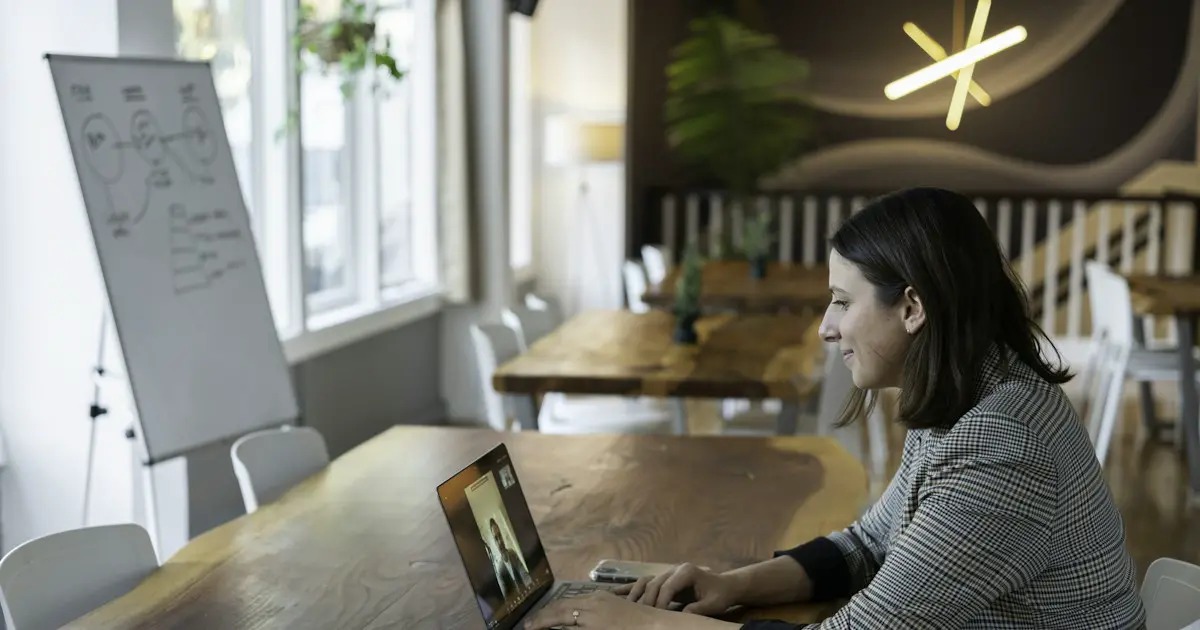
Online interviews are now standard for first rounds. A simple setup checklist, how to come across well on camera, and what to do when something breaks.
Last updated
Stack books under a laptop. Looking down at the camera looks disengaged.
Face a window or lamp. A bright window behind you turns you into a silhouette.
Wired earphones with a mic usually beat a laptop mic in an echoey room.
Sit near the router, and keep mobile data ready as a backup hotspot.
Glitches happen to everyone, and interviewers expect them. If your video freezes or audio drops, say so calmly ("Sorry, I think I lost you for a few seconds, could you repeat the question?"). If the call drops, rejoin immediately, and if you can't, email or message the contact you have. How calmly you handle it can count in your favour.
Most people have never watched themselves answer a question on camera, and the first time is usually surprising. Rehearse on video at least once before the real thing. Our AI mock interview gives you realistic timed questions to answer out loud, and a P2P Video Interview lets a friend, senior or mentor interview you live on video, with an AI report afterwards.
Look at the camera while you are speaking. That is what appears as eye contact to the interviewer. You can glance at their face on screen while listening.
Rejoin immediately using the same link. If you cannot, contact the recruiter or interviewer by email or phone straight away, explain briefly, and ask to continue. Keeping a mobile hotspot ready helps.
Record yourself answering common questions on camera, or do a live mock interview on video with a friend or mentor. Practising on camera helps you notice pacing, eye contact and filler words.
Answer real interview questions out loud and get instant feedback on clarity, structure and confidence.
Get Started →