Don't meet the exam interface for the first time on exam day. Here's how the CBT screen works, and the habits that stop it costing you marks.
Last updated
You haven't opened the question yet.
Opened, but no answer saved.
An answer is selected and saved.
Flagged to revisit, with or without a saved answer.
Always read the official instructions for your exam. Rules such as how "Answered & Marked for Review" questions are evaluated can differ between exams.
Computer-based tests such as JEE Main and many other entrance exams add a layer that paper tests don't have: selecting isn't saving, switching sections has its own controls, and the palette colours carry meaning. Students who first meet this on exam day lose minutes figuring it out, and sometimes lose answers they never saved.
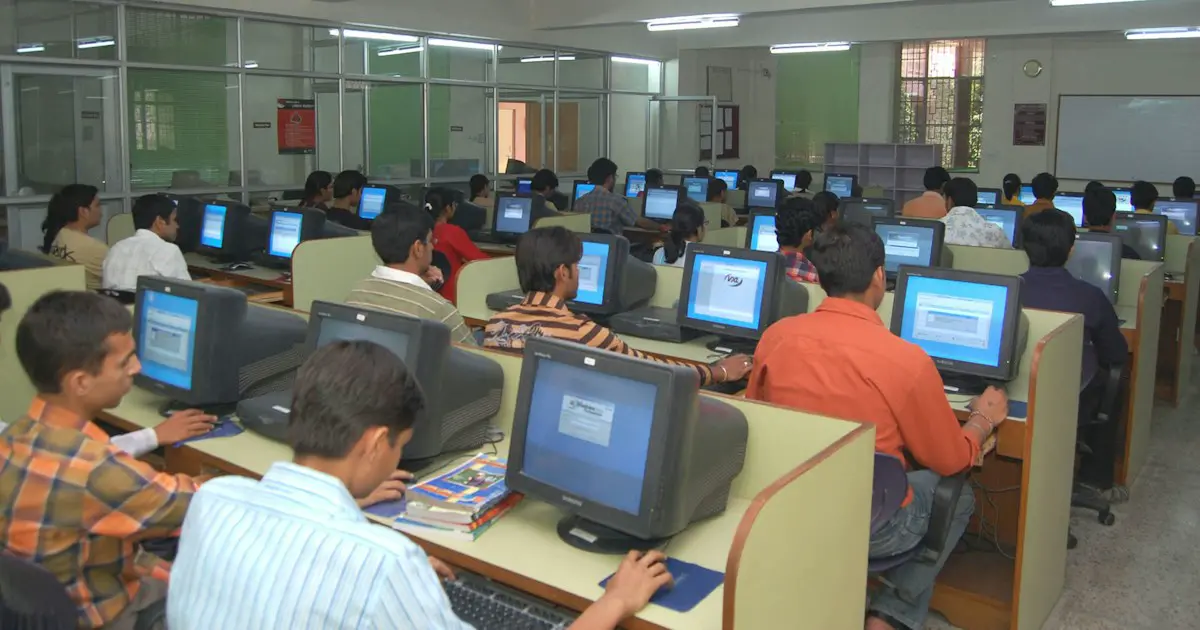
Sanviora's entrance exam mock tests run on a CBT-style screen modelled on the real layout: a candidate info bar, subject tabs, the five-state question palette with live counts, mark-for-review, a running countdown and a general-instructions page before you start. It's our own practice interface, not an official one. A few full papers on it and the interface stops being something you have to think about. Read more in getting comfortable with the CBT screen.
It flags a question so you can find it quickly from the palette later. If an answer is also saved, many exams (including NTA-conducted ones) evaluate it, but always confirm in your exam's official instructions.
Not always. In most CBT interfaces you must click Save & Next (or an equivalent save button) for the answer to be recorded. Build the habit of saving every answer during practice.
Take full-length mock tests on a screen that mimics the real CBT layout, including the question palette, section tabs and mark-for-review. After a few papers the controls become automatic.
Full mock tests with the question palette, mark-for-review and a live timer, so exam day holds no surprises.
Browse Mock Tests →